
Focused on the search
One question, answered: naming the certificate in your image and where it came from — no dashboards to learn, no accounts to create.
What certificate is inside your image — and can you trust it? Point Where’s My Cert at any Docker image, and it walks the layers, finds the certificate material, and answers the question in seconds.
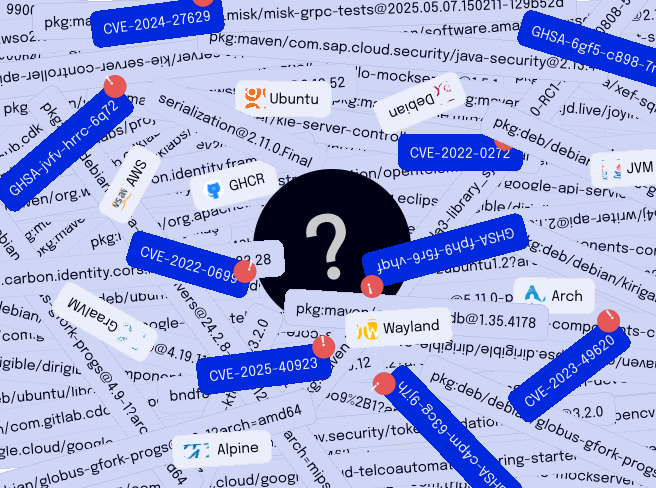
Fetch the target image from its registry and pin the digest, so every scan is reproducible — same layers, same result, every time.
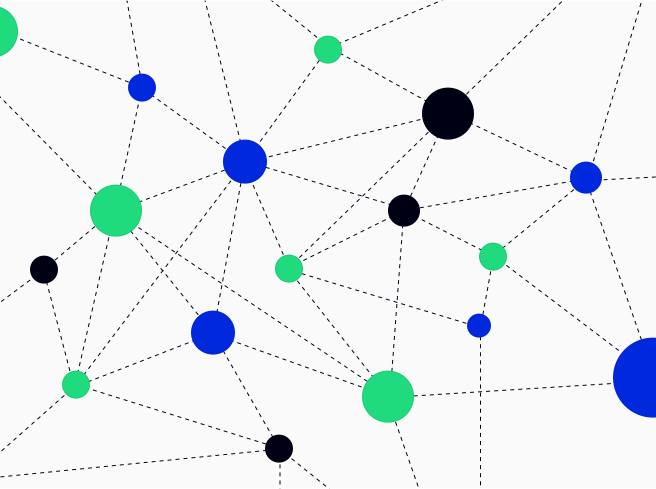
The search walks the layer tree for certificate material: .pem and .crt files, PKCS#12 stores, and the TLS certificates baked into the base image.
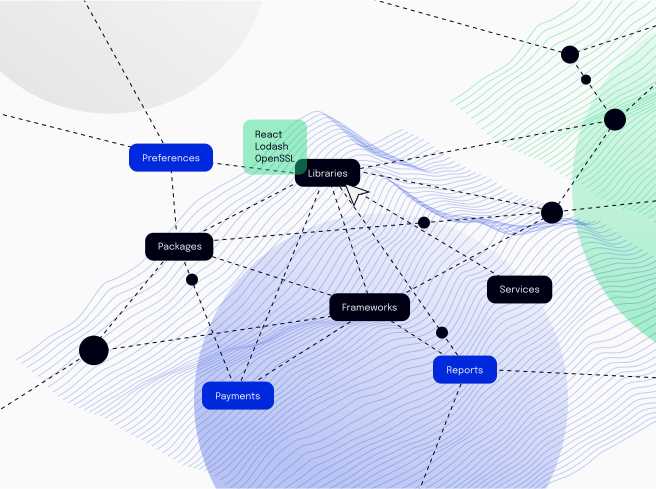
You get the certificate, its issuer, and its expiry in one view — the answer to "where’s my cert" for any image in your registry.
Scan every image that reaches production for the certificate it actually ships, not the one the Dockerfile claims.
Confirm the signing certificate in a published image matches what the release pipeline expects — before it ships.
Close the evidence gap: which certificates your images carry, in a form reviews can actually use.
One question, answered: naming the certificate in your image and where it came from — no dashboards to learn, no accounts to create.
The answer comes straight from the image’s own layers, so it reflects what the artifact actually carries — not a guess.
Point it at one image or a whole registry; the answer is the same, every time.
Found a certificate you didn’t expect? Tell us which image you searched and what turned up. The form posts to an endpoint you set in src/routes/+page.svelte (FORM_ENDPOINT) — see README.md.